





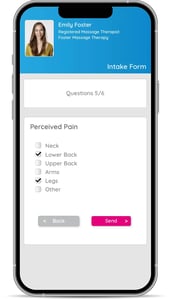
- Forms and consents automatically sent to clients and completed online before the appointment.
- Centralized information in the client file
- Secure file upload by both client and professional
- Get started quickly with a collective library full of templates.
- Easily create your own templates with the fields of your choice.
- Add photos, images, X-rays and PDF documents to your patients' files.
- Manage appointments for all family members.
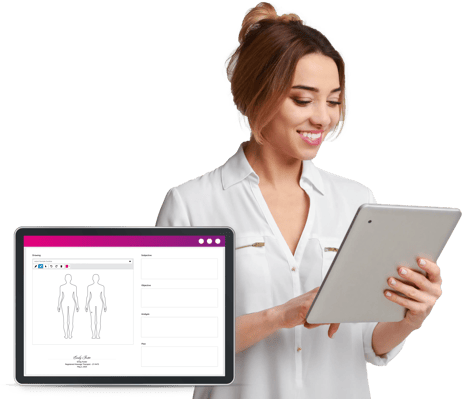

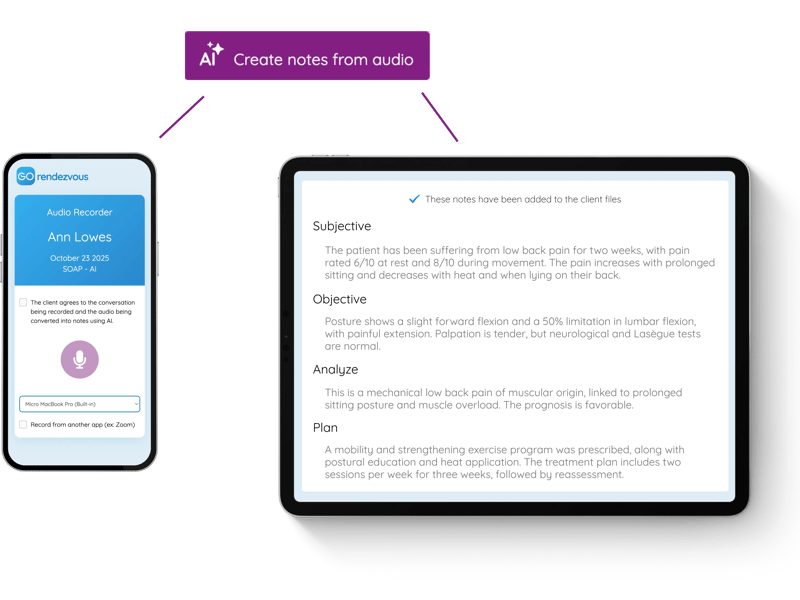
- Record audio from your face-to-face meetings or virtual appointments directly from any device. It is also possible to import an audio file.
- AI converts your audio into plain text, then into a structured summary that will be automatically integrated into your client files.
- The data is then organized into your chart templates, such as SOAP or progressive notes, according to your own instructions or abbreviations.
- Your data remains completely confidential and protected and is never used to train AI.
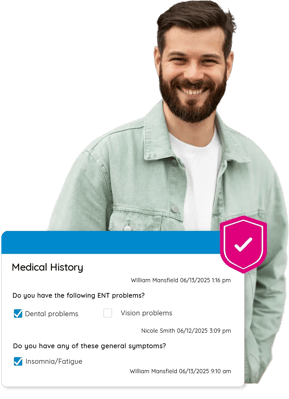
- In compliance with the strictest Canadian standards and laws (PIPEDA, Law 25, PHIPA, PIPA).
- Share files with specific colleagues (read or edit mode).
- Complete and sign your charts
- Complete history: tracking of all changes in the client file with date, time and creation/edition history
- Data centralized and securely stored in Canada.
- End-to-end encryption, from transport to storage.
- Each employee has their own login.
- Multi-factor authentication can be activated to secure access to your account.

- Switch easily from GOrendezvous to Wibbi.
- Direct access to program history.